
5 quick Google Business Profile fixes that get you more local calls
If you do better work than the guys showing up in the Google Maps top 3, it's frustrating to watch them get the calls. The good news is that Google ranks local businesses on a handful of straightforward things — and most of them take minutes, not months. Here are the five that move the needle fastest.
1. Claim and verify your profile
If you haven't claimed your Google Business Profile, Google is guessing about you — and it's usually guessing wrong. Claim it, verify it with a phone call or postcard, and fill in every field. A complete, verified profile is the baseline Google expects before it trusts you with a top ranking.
2. Pick every category that fits — not just one
Your primary category is the single biggest ranking factor on Google Maps, but most pros stop at one. Add every secondary category that genuinely describes your work — HVAC repair and air conditioning installation, for example, are different searches. The more honestly you label what you do, the more searches you show up for.
3. Add real photos of your work, truck, and team
Stock photos don't help. Real photos of your van, your tools, a job in progress, and the people who show up tell customers you're an actual business. Profiles with a steady stream of recent photos also signal to Google that you're active. Aim for a few fresh photos a month.
4. Set your service area and hours accurately
List the specific cities and zip codes you actually serve — not a 50-mile circle. And set real hours, including whether you take after-hours emergency calls. Customers filter by 'open now' all the time. If Google thinks you're closed, you disappear from those results.
5. Reply to every review — yes, all of them
Replying to reviews (good and bad) shows Google you're engaged and shows future customers there's a real person behind the business. A short, friendly reply is all it takes. Businesses that reply regularly tend to get reviewed more often, which also helps ranking.
Not sure where your profile stands?
Our free 60-second audit checks your Google listing and shows your health score, missing categories, and the quickest fixes — so you know exactly what to do first.
These five fixes are the foundation. Once your profile is solid, the next question is whether you're actually answering the calls it brings in — because a ringing phone you can't pick up is the same as no phone at all. That's the other half of the work we do.
Keep reading

Why an AI receptionist beats a real one (and where it works beside one)
An AI receptionist never calls in sick, never takes a lunch break, and never gets rattled by an angry caller. Here's how it stacks up against a human — and where the two work best together.
How to Set Up Call Forwarding on AT&T, Verizon & T-Mobile
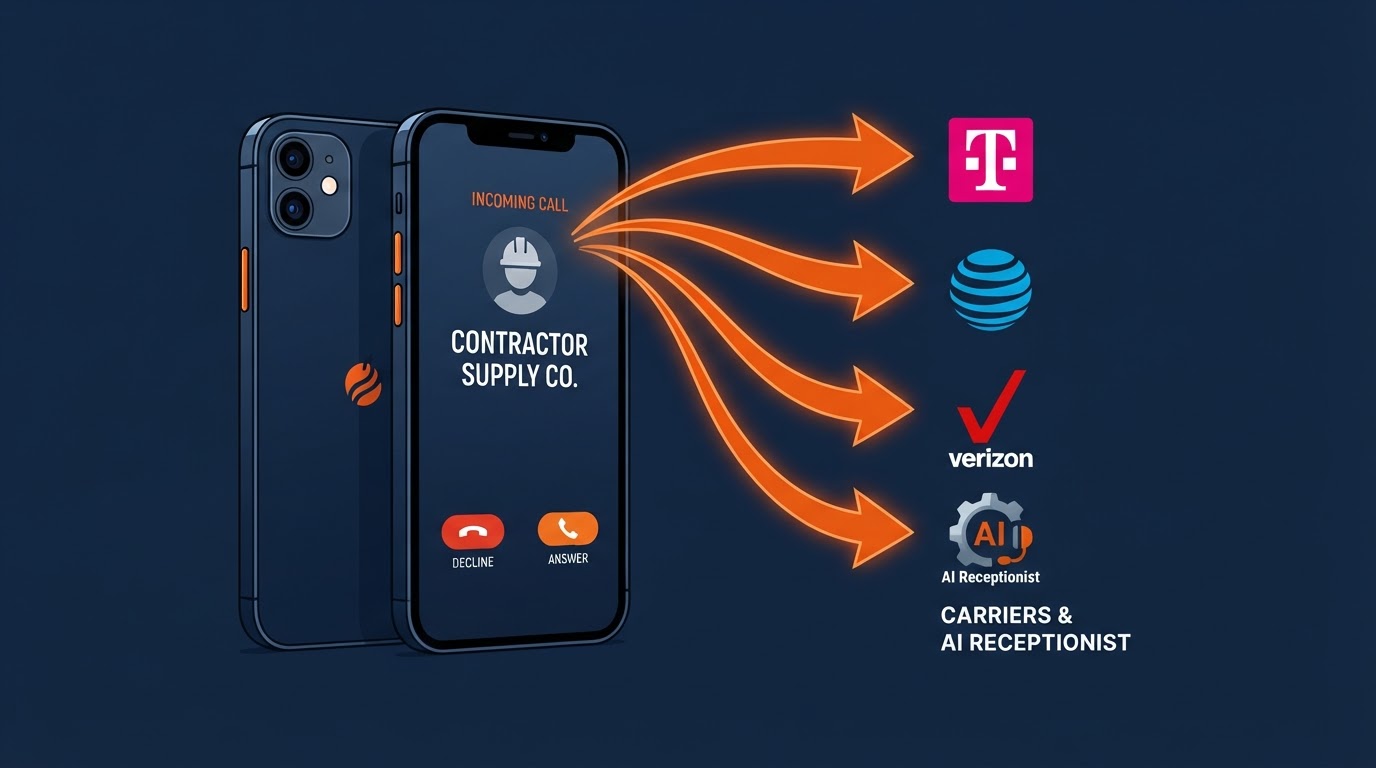
A simple, step-by-step guide for non-tech owners to forward customer calls from AT&T, Verizon, T-Mobile, and more straight to your tracking number or 24/7 AI receptionist.

What is a tracking number, and why your AI receptionist needs one
A tracking number is the quiet piece behind the scenes that lets you see where every call comes from and lets your AI receptionist pick up every one. Here's how it works, in plain English.