
How to Set Up Call Forwarding on AT&T, Verizon & T-Mobile
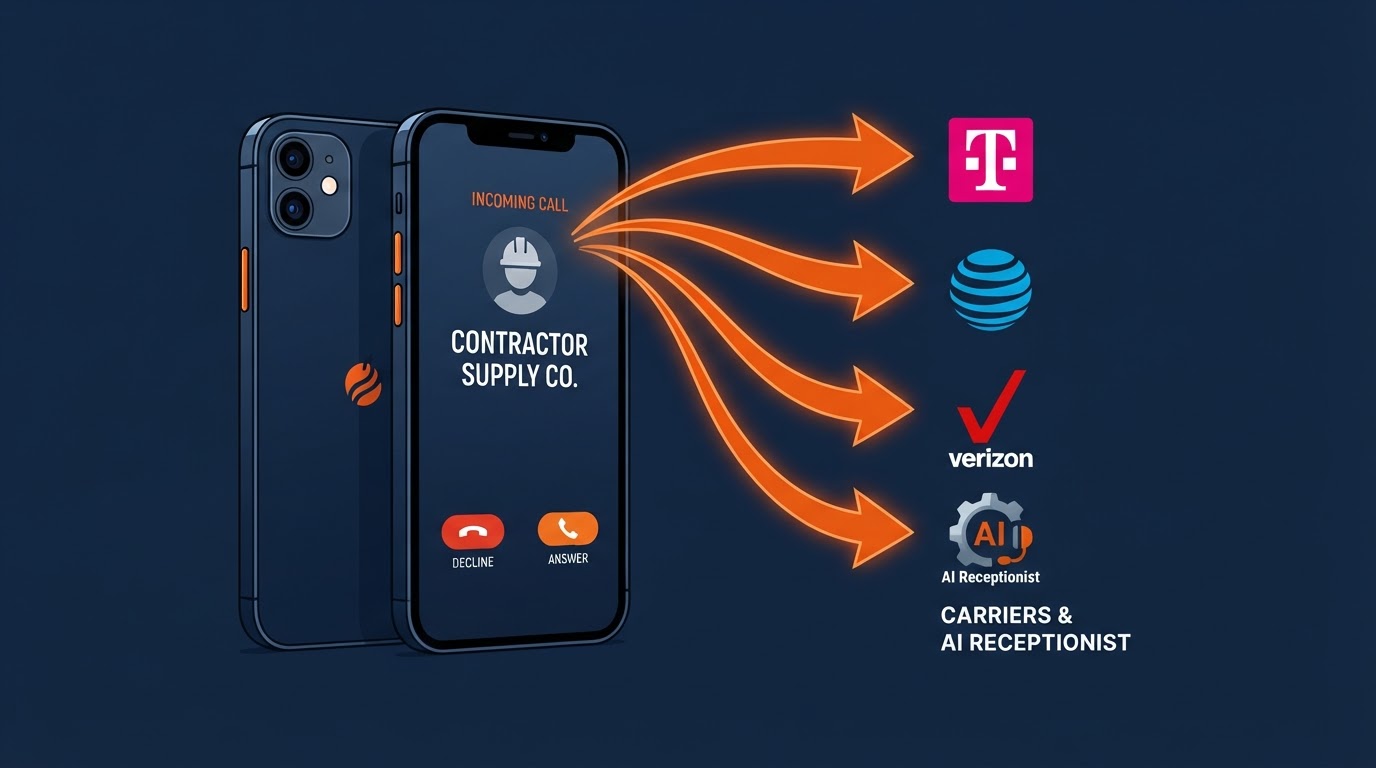
As a busy contractor or service pro, the hardest part of the job is often just answering the phone. When you're crawling under a home, up on a roof, or meeting an inspector, stopping every ten minutes to answer calls kills your momentum. But letting those calls roll to voicemail means losing valuable jobs to competitors down the street.
The quickest fix is call forwarding. It takes less than 60 seconds to set up, requires zero technical know-how, and sends your incoming calls straight to your Biz Quantum Leap tracking number and 24/7 AI receptionist. Here is the plain-English, step-by-step breakdown for every major US phone carrier.
Two ways to forward calls
1. Immediate / Unconditional (All Calls): Every single call bypasses your cell phone and goes straight to your AI receptionist. Great during work hours or when you want zero interruptions. 2. Conditional (Missed & Busy Calls Only): Your phone rings first so you can pick up if you're free. If you're on a job or don't answer after 3-4 rings, it forwards automatically to your AI receptionist so you never lose the lead.
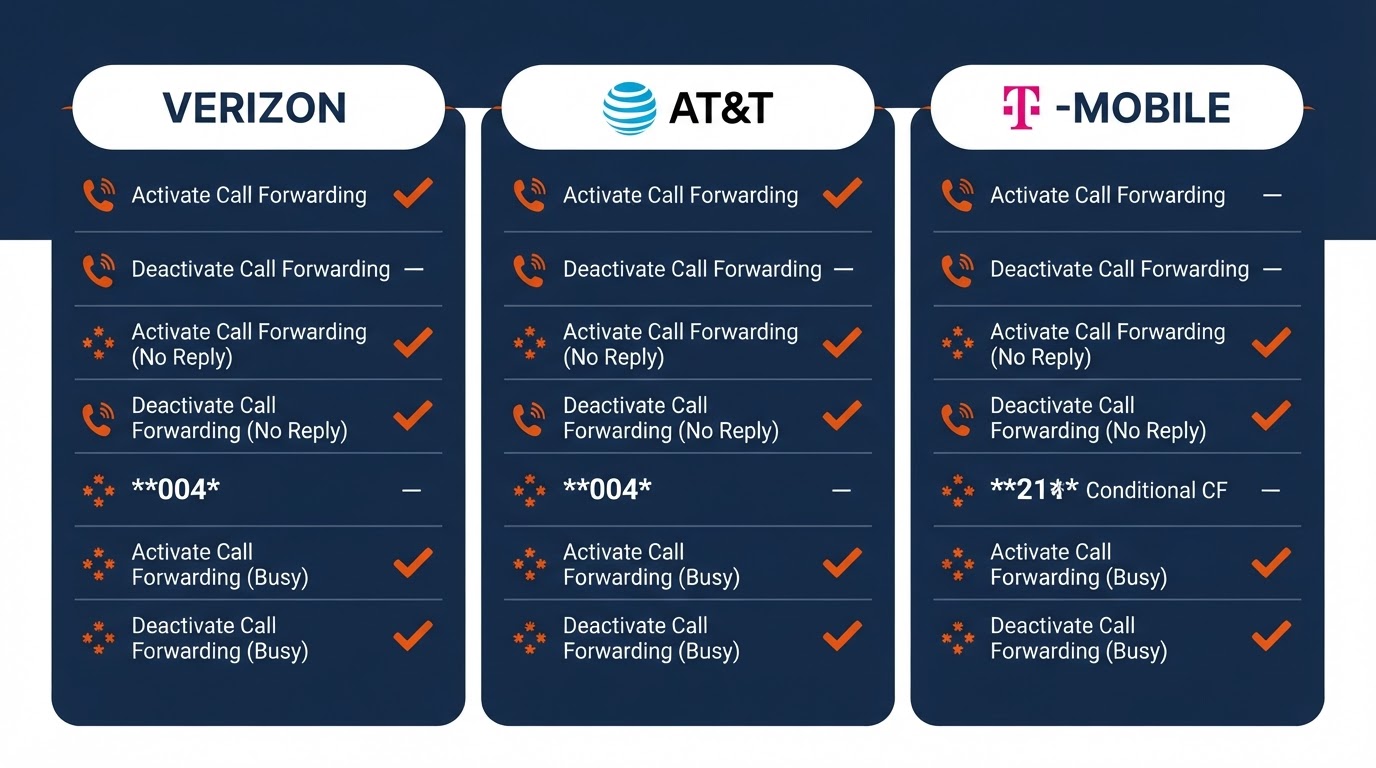
Find your carrier's dial code
Tap your carrier to jump straight to the exact steps.
1. Verizon Wireless
Verizon makes call forwarding simple using standard dial codes right from your phone's keypad. You can also turn it on or off from the My Verizon app.
Option A: Forward ONLY missed and busy calls (Recommended)
This lets your phone ring normally first. If you don't pick up after 3 to 4 rings, the call transfers over to your AI receptionist so the job is captured:
- 1Open your phone's Phone / Dial pad app.
- 2Dial *71 followed immediately by your 10-digit Biz Quantum Leap tracking number (for example: *716025550199).
- 3Tap the green Call / Send button.
- 4Wait for a confirmation tone or a short recorded message confirming activation, then hang up.
Option B: Forward ALL calls immediately
- 1Open your dial pad.
- 2Dial *72 followed immediately by your 10-digit tracking number (e.g., *726025550199).
- 3Press Call. Listen for the confirmation beeps or voice confirmation, then hang up.
How to turn off forwarding on Verizon
Whenever you want your phone back to normal, simply open your dial pad, dial *73, and hit Call. You will hear a confirmation tone and forwarding is cancelled.
2. AT&T Wireless
AT&T lines use standard GSM star-and-pound codes. You can also turn on all-call forwarding through your iPhone or Android built-in settings.
Option A: Forward ONLY unanswered or busy calls (Recommended)
- 1Open your phone's dial pad.
- 2Dial **004* followed by your 10-digit tracking number, then add the # symbol at the end (for example: **004*6025550199#).
- 3Press Call / Send.
- 4A pop-up message will appear on your screen saying 'Setting Registration Succeeded' or 'Call forwarding active'. Tap Dismiss.
Option B: Forward ALL calls immediately
- 1Dial **21* followed by your 10-digit tracking number and # (e.g., **21*6025550199#).
- 2Press Call / Send.
- 3Wait for the confirmation screen, then tap Dismiss.
How to turn off forwarding on AT&T
To cancel all forwarding rules on AT&T, dial ##004# (for conditional forwarding) or ##21# (for all calls) and hit Call. Or dial ##002# to wipe clean all active forwarding rules at once.
3. T-Mobile (and Metro by T-Mobile)
T-Mobile uses the same universal GSM codes as AT&T, which work instantly on any smartphone running on the T-Mobile or Metro network.
Option A: Forward when you don't answer or are on another call
- 1Open your dial pad.
- 2Dial **004* followed by your 10-digit tracking number, ending with # (e.g., **004*6025550199#).
- 3Press Call. You will see a carrier confirmation message confirming call forwarding when busy or unanswered.
Option B: Forward ALL calls immediately
- 1Dial **21* followed by your 10-digit tracking number and # (e.g., **21*6025550199#).
- 2Press Call. The network will confirm that all incoming calls are being forwarded.
How to turn off forwarding on T-Mobile
Dial ##004# and press Call to stop conditional forwarding, or dial ##21# to stop all-call forwarding. If you ever want to reset all forwarding settings to default, dial ##002#.
4. Setting it up directly in your smartphone settings (iPhone & Android)
If you prefer clicking through a visual menu instead of dialing star codes, your phone has built-in call forwarding settings for all-call forwarding:
On iPhone (Apple iOS):
- 1Open the Settings app on your iPhone.
- 2Scroll down and tap Phone (or Apps > Phone on iOS 18+).
- 3Tap Call Forwarding.
- 4Toggle the green switch to ON.
- 5Tap Forward To and type in your 10-digit Biz Quantum Leap tracking number.
- 6Tap Back. A small phone-with-an-arrow icon will appear in your status bar to show it is active.
On Android (Samsung Galaxy, Google Pixel, Motorola):
- 1Open your native Phone app.
- 2Tap the 3 dots in the top right corner and choose Settings.
- 3Tap Supplementary services (on Samsung) or Calling accounts / Calls > Call forwarding (on Pixel & Motorola).
- 4Choose Voice call > Call forwarding.
- 5Pick either 'Always forward' or 'Forward when unanswered'.
- 6Enter your 10-digit Biz Quantum Leap tracking number and tap Turn on / Enable.
How to test your forwarding in 30 seconds
Never assume call forwarding is working without testing it once. Here is the foolproof 30-second test:
- 1Grab a second phone (a spouse's phone, employee's phone, or your home phone).
- 2Call your normal business cell number.
- 3If you set up unconditional forwarding, your phone should NOT ring, and you should hear your AI receptionist answer promptly.
- 4If you set up conditional forwarding, let your phone ring 3 to 4 times without touching it. It should automatically redirect and your AI receptionist will answer.
- 5Speak a test sentence (like: 'Hi, I need an estimate for my water heater in Mesa') to confirm the AI takes down your information.
- 6Hang up and check your phone — within seconds you should receive a notification with the captured lead details.
Pro tip for home service pros
Most pros we work with leave conditional forwarding (*71 or **004*) active 24/7. That way, if you can pick up the phone when it rings, you do. If you're on a ladder, driving, or sleeping at night, the AI receptionist catches the customer before they call your competitor.
Keep reading
Why an AI receptionist beats a real one (and where it works beside one)
An AI receptionist never calls in sick, never takes a lunch break, and never gets rattled by an angry caller. Here's how it stacks up against a human — and where the two work best together.
What is a tracking number, and why your AI receptionist needs one
A tracking number is the quiet piece behind the scenes that lets you see where every call comes from and lets your AI receptionist pick up every one. Here's how it works, in plain English.
The photos and videos that win you local jobs
Real photos and short clips of your work do more than fill a page — they build trust, keep your Google listing active, and help you rank higher. Here's what to capture and why consistency is the real secret.